How to Export Lazada Sales Reports to Google Sheets
A detailed Lazada reporting workflow for manual exports, clean Google Sheets imports, repeat refreshes, and trustworthy sales analysis.


A Lazada sales report can answer several different questions: what customers ordered, which products sold, what was cancelled or returned, what fees were charged, and what cash was settled. Those questions may require different source reports and date definitions.
This guide shows how to import an available Lazada report manually and how to use Spyliner for a recurring supported dataset without mixing raw data with workbook logic.
Before downloading
Define the Lazada report, store, period, and grain
Start with the decision: order operations, product analysis, returns, finance, or payout reconciliation. Confirm whether the available source is one row per order, item, package, transaction, or settlement line.
Record the seller region, store, source report, date basis, timezone, status filters, and currency. Keep original order, item, seller SKU, transaction, and settlement identifiers whenever available.
Manual method
Move a Lazada report into Google Sheets safely
- 1
Open the intended store
Verify the seller account, country, and store before entering the available reporting or order area.
- 2
Apply reproducible filters
Choose the date basis, period, status, and any product or fulfilment filters, then record them.
- 3
Download and archive
Generate the file and store an untouched copy in a dated folder for audit and troubleshooting.
- 4
Import into a dedicated raw tab
Use Google Sheets File, Import and keep formulas, mappings, and charts outside the imported range.
- 5
Check parsing
Verify IDs remain text and dates, decimal separators, signs, currencies, and blank values imported correctly.
- 6
Reconcile a sample
Compare several records and summary totals with the Lazada source before using the data.
Keep it maintainable
Separate Lazada source data from business calculations
- ✓Name raw tabs with marketplace, store, and dataset.
- ✓Use mapping tabs for SKU aliases, fee labels, categories, and targets.
- ✓Create model tabs for grouped statuses, net values, and deduplication.
- ✓Build pivots and dashboards only from the model layer.
- ✓Display source period and refresh time on a control tab.
Recurring method
Configure a recurring supported Lazada dataset with Spyliner
- 1
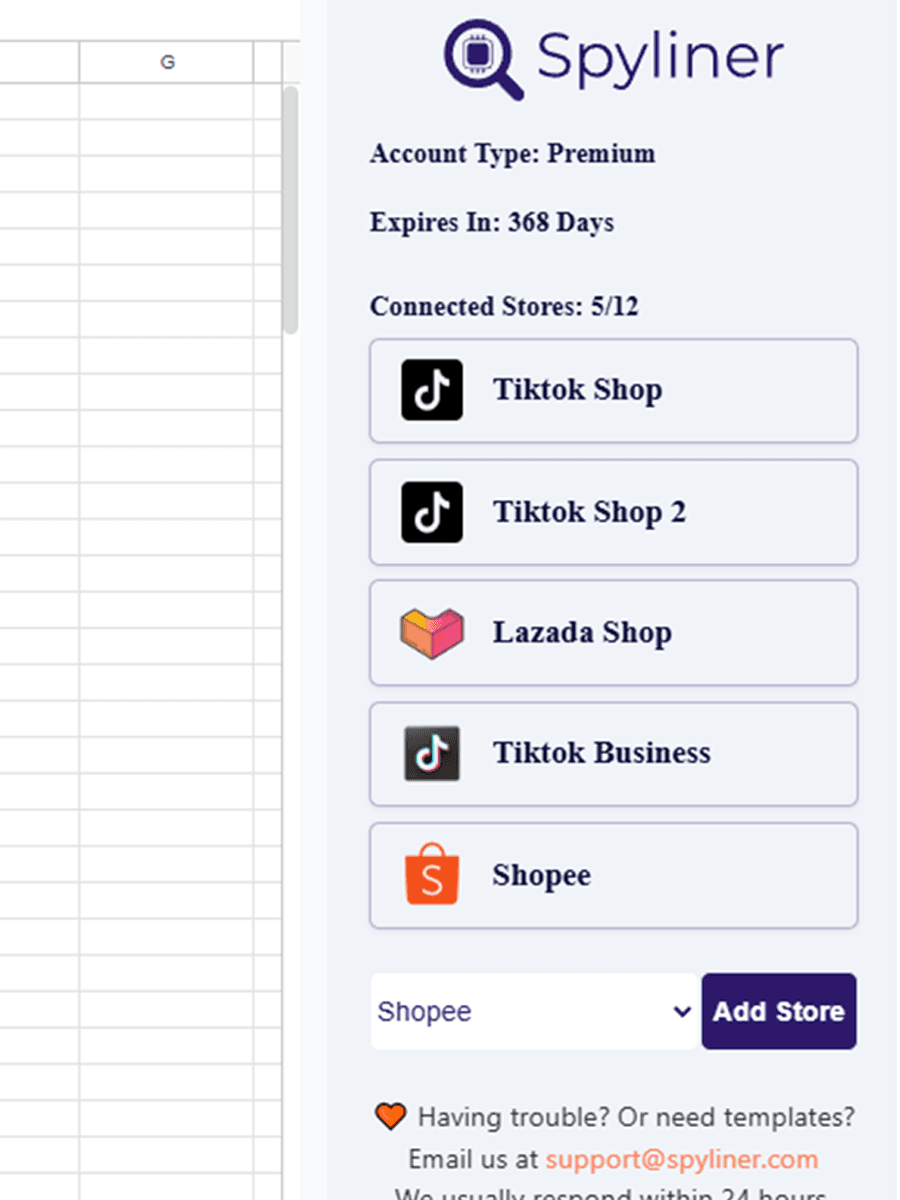
Open the add-on
From Google Sheets, choose Extensions, Spyliner, Settings.
- 2
Connect Lazada
Authorize the correct supported Lazada seller account on Lazada's authorization page.
- 3
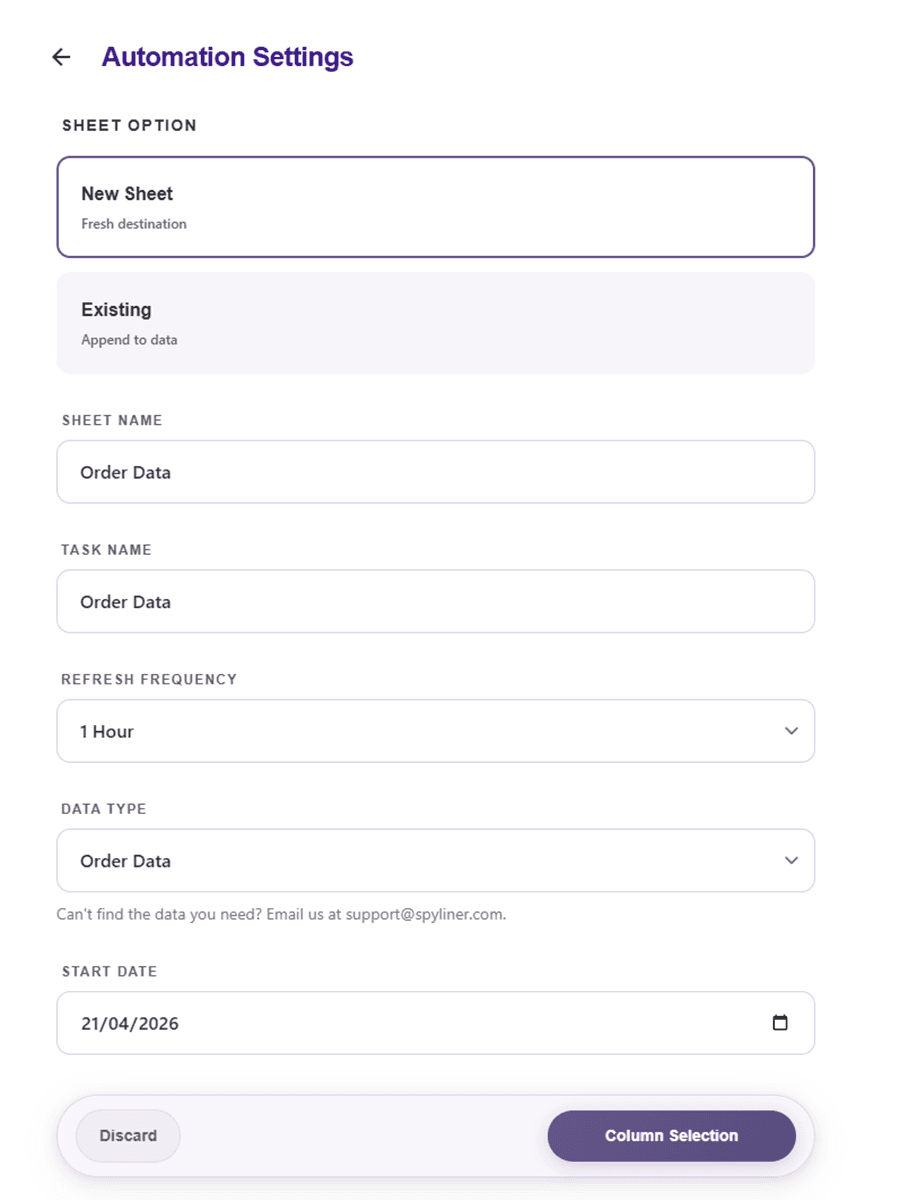
Choose store and dataset
Select the connected store and available report that matches the intended grain and decision.
- 4
Limit the first test
Use a short date range and a focused column set for quick validation.
- 5
Select the destination
Write into a dedicated raw tab and keep downstream formulas separate.
- 6
Validate two runs
Check the first result against Seller Center, then run again to confirm the refresh does not disturb the workbook.
- 7
Choose the frequency
After validation, select an available automatic frequency or keep the task manual.
When totals disagree
Compare definitions before changing formulas
Check whether each number uses order date, paid date, completion date, settlement date, or payout date. Confirm statuses, cancellations, returns, discounts, taxes, fees, and currency treatment.
Also check data freshness. Recent Lazada orders and finance records can change as fulfilment, cancellation, return, and settlement events occur. Preserve history or refresh a sufficient lookback period for the report's purpose.
Quick answers
Questions people usually ask
Which Lazada report should I export?+
Choose based on the decision and grain. Orders support operations, item data supports SKU analysis, and finance or settlement data supports fee and payout reconciliation.
Why does a Lazada sales report differ from settlement?+
Sales and settlement can use different dates, statuses, fee deductions, refunds, adjustments, and currencies.
Should I append every Lazada export?+
Only append when the report is incremental and you have a tested stable key. Replace a raw snapshot when the export already contains the full required period.